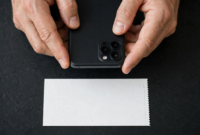

A friend sent me a paper check for concert tickets I had fronted, and my first thought was to snap a photo of it in Venmo — the way I would deposit it in my bank app. That does not work. Learning how to deposit a check on Venmo means learning that Venmo is not a bank, and its check feature has a catch most guides skip.
Venmo does have a way to turn a paper check into Venmo balance. It is called Cash a Check, it runs through a company called Ingo Money, and it only works if you have a Venmo Debit Card. No card, no check deposit — at least not directly. Here is the full picture, fees and wait times included.
Can You Deposit a Check on Venmo?
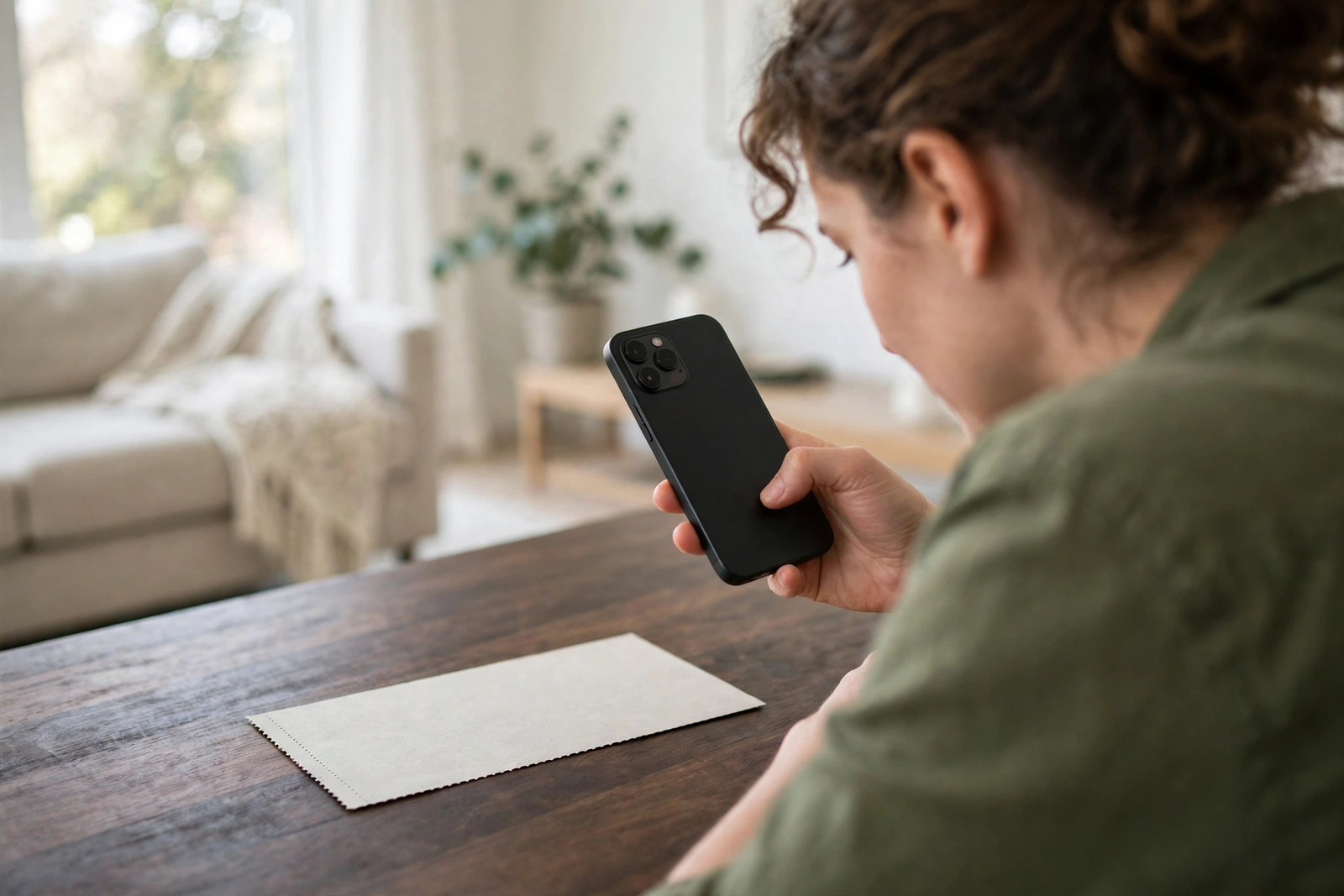
The honest answer is: not the way you deposit a check at a bank. Venmo has no traditional mobile check deposit. What it has is Cash a Check, a feature inside the app that photographs your check and sends it to Ingo Money for review. If it is approved, the money lands in your Venmo balance.
So the real question behind how to deposit a check on Venmo is whether you qualify for Cash a Check. Three things decide it:
- You need a Venmo Debit Card. Cash a Check is a feature of the debit card, not the basic Venmo account. If you have never applied for the card, the option simply will not appear in your app.
- Your identity must be verified. Venmo requires identity verification — legal name, date of birth, and usually the last four digits of your Social Security number — before the card or the check feature is available.
- The check must be payable to you. Third-party checks, checks made out to someone else, and checks payable to a business are not accepted.
If any of those is missing, the app will not let you start.
What You Need Before You Start
Tick every box here and how to deposit a check on Venmo becomes a five-minute job. Miss one and you will be stuck at the first screen.
- A Venmo account with identity verification completed
- An active Venmo Debit Card
- The latest version of the Venmo app
- The paper check, made out to you, with no alterations or damage
- A pen — you will endorse the back of the check before photographing it
- A flat, dark, non-reflective surface and good lighting for clear photos
One more thing: do not write VOID on the check yet. Ingo Money only asks you to void the check after approval, and a check marked VOID before approval cannot be cashed anywhere.
How to Deposit a Check on Venmo in 7 Steps
This is the full walkthrough for how to deposit a check on Venmo using Cash a Check. The menu labels can shift slightly between app versions, but the flow stays the same.
Step 1: Open Venmo and go to your profile. Tap the Me tab (or the person icon) at the bottom of the screen.
Step 2: Tap Manage next to your balance, then select Cash a Check. If you do not see Cash a Check, you either do not have a Venmo Debit Card yet or your identity verification is incomplete.
Step 3: Enter the check amount. Type the exact amount written on the check, dollars and cents. A mismatch between the amount you enter and the amount on the check is a common reason for rejection.
Step 4: Photograph the front of the check. Lay it flat on a dark surface in good light. All four corners must be visible, and the writing must be legible. Take your time — a blurry photo is the most avoidable rejection there is.
Step 5: Endorse the back and photograph it. Sign your name exactly as it appears on the front of the check, then photograph the back the same way. Do not add “For mobile deposit only” unless the app specifically tells you to.
Step 6: Choose your speed. You get two options: get the money in minutes for a fee, or get it in 10 days for free. Pick based on how urgently you need the cash, not on habit — the fee on a large check is real money.
Step 7: Submit and wait for the decision. Ingo Money reviews the check; approval takes minutes to a few business days. If approved, Venmo asks you to write VOID on the check and photograph it — only then is the deposit final.
Venmo Cash a Check Fees and Limits
Fees are the part of how to deposit a check on Venmo that most people underestimate, because the free option is slow and the fast option is a percentage.
| Option | Fee | Timing |
|---|---|---|
| Get it in 10 days | Free | Funds in about 10 days |
| Get it in minutes | 1% to 5% of the check value, minimum $5 | Minutes after approval |
The percentage depends on the check type: payroll and government checks are usually at the low end, around 1 percent, while personal checks can cost up to 5 percent. On a $500 personal check, the instant fee could be $25. On the same check, waiting 10 days costs nothing.
Limits are shown in the app before you submit and vary by account and check type. If your check is over the limit shown, deposit it at your bank instead.
How Long Does a Venmo Check Deposit Take?
Timing matters: the free route in how to deposit a check on Venmo takes 10 days, so if rent is due Friday, pay the fee or use another route. Here is the realistic timeline:
- Review: a few minutes to a few business days after you submit the photos.
- Free option: funds arrive in your Venmo balance in about 10 days from approval.
- Instant option: funds arrive in minutes after approval.
- Moving money out: once the money is in your Venmo balance, a standard transfer to your bank takes 1 to 3 business days and is free; an instant transfer to your bank or debit card costs a fee and arrives in about 30 minutes.
Add it up and the “free” path can mean waiting almost two weeks from photo to bank account. That is fine for a birthday check. It is a bad plan for a paycheck you need this week.
Why Venmo Rejects a Check
A rejection usually is not final — fix the issue and how to deposit a check on Venmo works on the second try. These are the usual causes:
- No Venmo Debit Card. This is the number one reason. The feature belongs to the card, and applying for one takes a few days to arrive.
- Identity not verified. If Venmo still shows verification as incomplete, Cash a Check stays locked.
- The check is not payable to you. A check made out to a friend, a spouse, or a business cannot be deposited into your Venmo.
- Stale or postdated check. Checks older than about 180 days and checks dated in the future are routinely rejected.
- Blurry or cropped photos. All four corners, both sides, legible writing — miss any of that and Ingo Money sends it back.
- Amount mismatch. The amount you typed does not match the amount on the check.
- The check type is not supported. Some money orders and starter checks are not accepted.
If your check is rejected, the app usually gives a reason. Fix that one thing and resubmit rather than guessing — repeated failed submissions can trigger extra review.
Alternatives If Cash a Check Is Not Available
If Cash a Check is not open to you yet, how to deposit a check on Venmo has a workaround: deposit the check at your bank first, then move the money to Venmo for free. The money lands in your bank account, you link that account to Venmo, and you add funds from the bank — no fee, no waiting on Ingo Money. Our guide to depositing a check at an ATM covers the in-person route if your bank is nearby.
Cash App offers a similar feature with fewer gates. Our walkthrough of how to deposit a check on Cash App compares the limits and timing.
And if you have no bank account at all, a prepaid card can bridge the gap — our guide to adding money to a prepaid card without a bank account shows how.
The Consumer Financial Protection Bureau’s prepaid card guide explains how prepaid debit cards work and what protections apply.

Frequently Asked Questions
Can you deposit a check on Venmo without a debit card?
No. Cash a Check requires an active Venmo Debit Card. Without the card, the option does not appear in the app. You can apply for the card inside Venmo, but it takes a few days to arrive.
Does Venmo charge to cash a check?
The 10-day option is free. The instant option costs 1 to 5 percent of the check value, with a $5 minimum. Payroll and government checks are usually charged at the low end of that range.
How long does Venmo take to approve a check?
Approval takes anywhere from a few minutes to a few business days, depending on the check amount and type. The 10-day funding clock starts after approval, not after you submit the photos.
Can you deposit someone else’s check on Venmo?
No. The check must be payable to you and match the name on your verified Venmo account. A check made out to another person cannot be deposited into your Venmo, even with their permission.
What happens to the paper check after approval?
Venmo will ask you to write VOID across the check and photograph it. Keep the voided check for a few weeks in case there is a dispute, then destroy it. Never void the check before the app tells you to.
The Bottom Line
That is how to deposit a check on Venmo in full: get the debit card, verify your identity, photograph both sides, and pick your speed — free in 10 days or 1 to 5 percent for minutes. If the card requirement is a deal-breaker, deposit the check at your bank and transfer the money to Venmo instead. Either way, the paper check is the slow part of the process. Once the money is digital, it moves as fast as you need it to.
Disclaimer: This article is general educational information, not financial advice. Venmo’s Cash a Check feature is provided through Ingo Money, and its fees, limits, and eligibility rules can change — confirm the current terms in the Venmo app before submitting a check.