

No bank branch, no ATM, no envelope — just your phone and five quiet minutes on the couch. Learning how to deposit a check on Cash App takes about that long once your account is eligible, and the deposit itself costs nothing. The catch is that not every Cash App user sees the feature: it rolls out only to accounts that meet its eligibility rules.
I have used mobile check deposit at a regular bank for years, and the Cash App version works the same way at its core: endorse the check, photograph both sides, enter the amount, and wait. The differences are in the eligibility rules, the limits, and how long the money takes to show up.
Who Can Deposit a Check on Cash App?
Before anything else, check whether the feature is even available to you. Cash App’s mobile check deposit, called Mobile Check Capture, requires three things:
- A verified Cash App account. Your identity has to be confirmed in the app — full name, date of birth, and the last four digits of your Social Security number.
- An activated Cash App Card. This is the free Visa debit card linked to your Cash App balance, issued by Sutton Bank — physical or virtual, but it has to be activated.
- Recent direct deposit history. Cash App restricts the feature to users who actually use the app for regular banking. In practice, that usually means a qualifying direct deposit within the last 30 to 60 days.
If you open the app and there is no “Deposit a check” option, that is Cash App telling you the feature is not available on your account yet. There is no waiting list to join and no setting to switch on. The usual path is to set up direct deposit into Cash App, use the account for a while, and check again later.
How to Deposit a Check on Cash App in 7 Steps
Once the feature shows up in your app, the process is straightforward. Do it on a flat surface with good light, and have the check in front of you before you start.
Step 1: Check That Your Check Is Eligible
Not every check qualifies. Cash App accepts payroll checks, personal checks, and government treasury checks, made out to you, payable in US dollars. The check must not be expired, altered, or already deposited.
Step 2: Endorse the Back of the Check
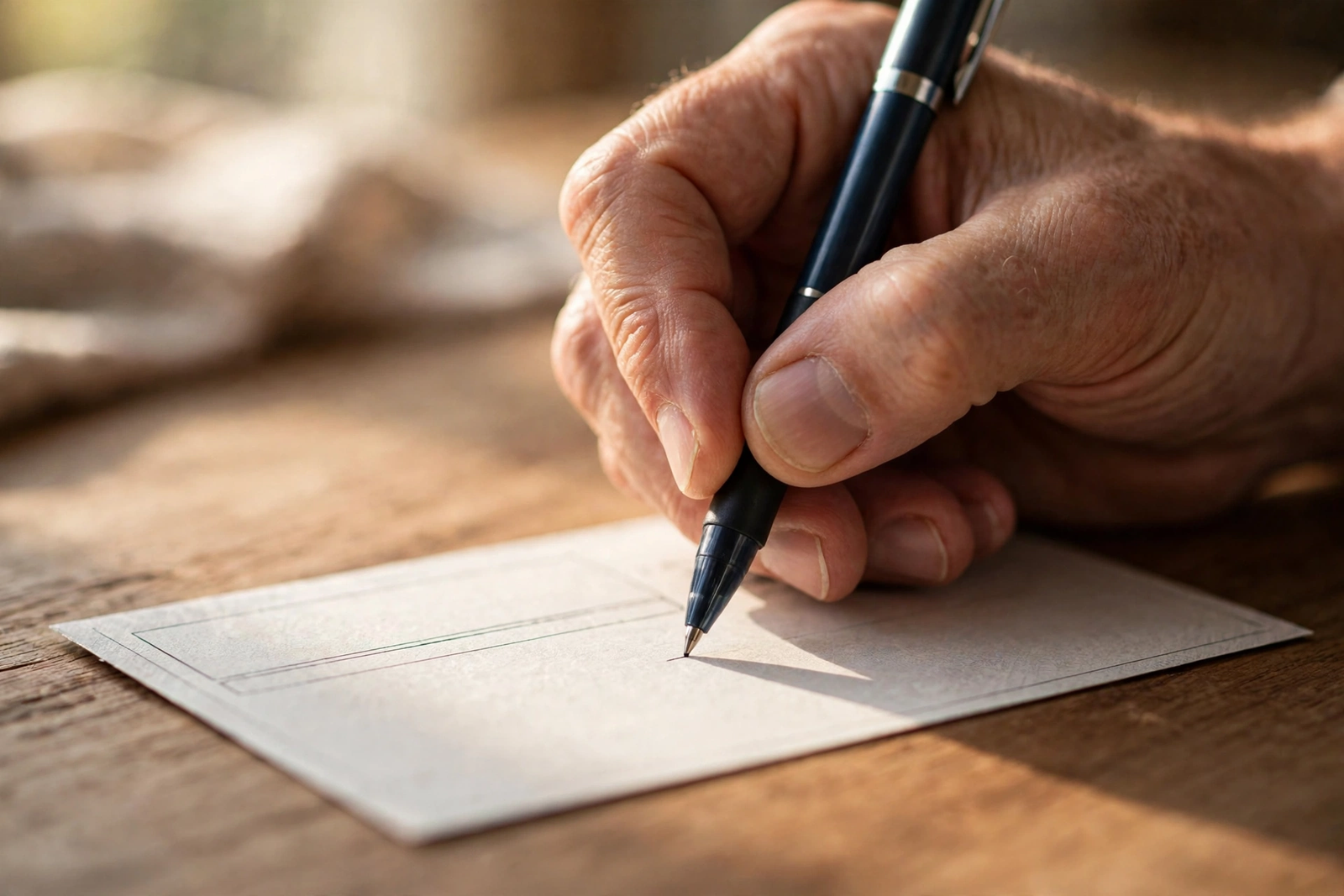
Flip the check over and sign your name in the endorsement area. Directly underneath your signature, write: “For mobile deposit at Cash App only.” This exact phrase matters — if you miss it, the app is highly likely to reject your deposit.
Step 3: Open Cash App and Find Mobile Check Deposit
Tap the Money tab at the bottom left of the screen, then scroll down to the Banking section. If your account is eligible, you will see “Mobile Check Deposit” or “Deposit a check.” Tap it to begin.
Step 4: Enter the Check Amount
Type in the exact dollar amount written on the check, including the cents, and double-check it before you confirm. A mismatch is one of the most common reasons deposits get held up.
Step 5: Photograph the Front of the Check
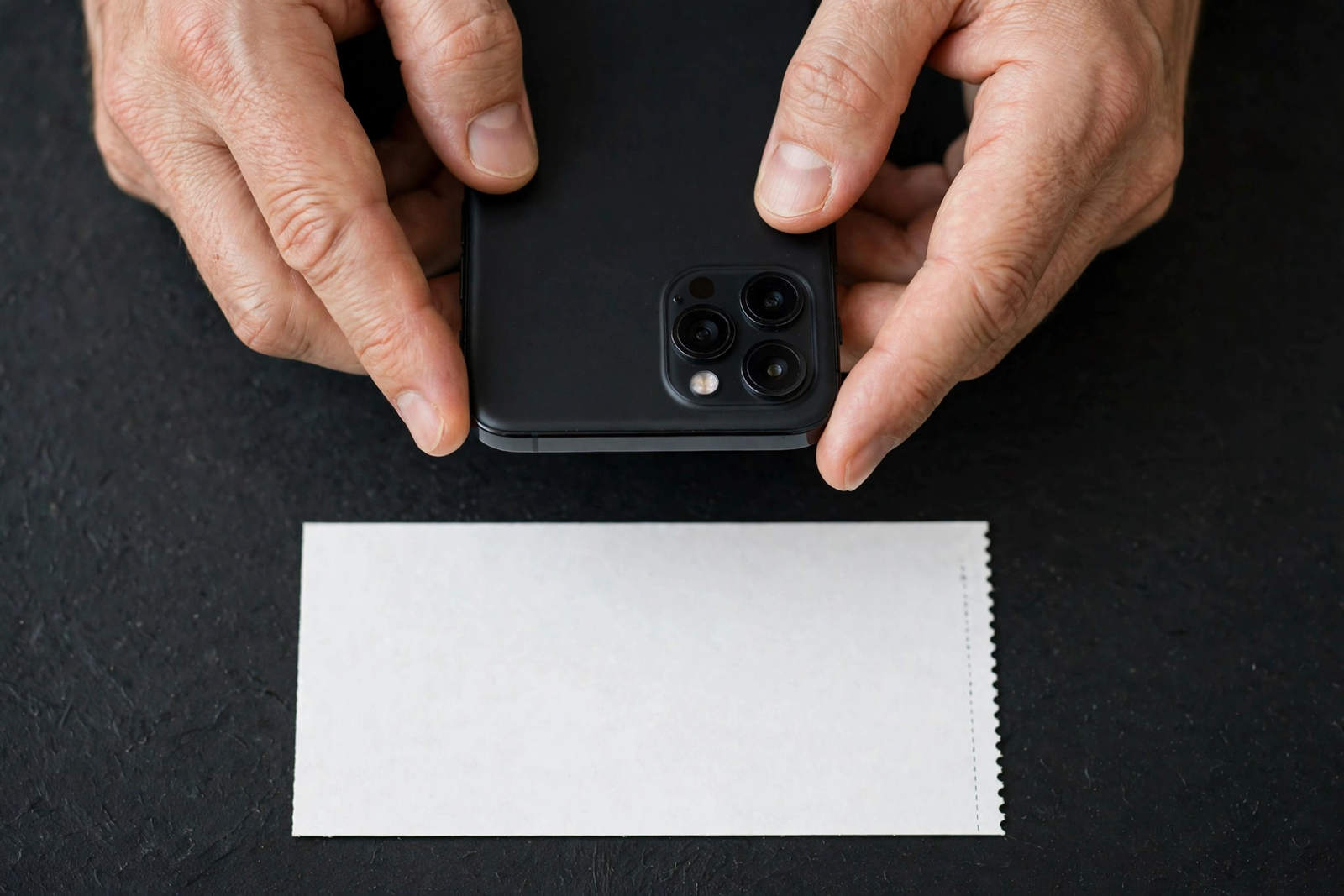
Place the endorsed check on a dark, flat, uncluttered surface and let the camera frame all four edges. Cash App will usually auto-capture once it detects the edges cleanly. If the photo is blurry, shadowed, or cut off, retake it.
Step 6: Photograph the Back
Flip the check over and photograph the back the same way, making sure your endorsement and the “For mobile deposit at Cash App only” line are visible. Confirm both images before you move on.
Step 7: Submit and Wait
Tap Submit. You should get a confirmation inside the app that your deposit request was received. Keep the original paper check in a safe place for at least two weeks, and do not destroy it until the money is in your account.
That is the whole process for how to deposit a check on Cash App — seven steps, no branch visit, no fee for the standard deposit.
Cash App Check Deposit Limits
Limits vary by account history, so there is no single fixed figure that applies to everyone. The figures Cash App publishes in its Mobile Check Capture terms are a useful starting point, and the exact numbers for how to deposit a check on Cash App on your own account appear in the app when you start a deposit:
| Limit | Amount |
|---|---|
| Per check | Up to $3,500 |
| Per month | Up to $7,500 |
| Standard deposit fee | $0 |
| Instant transfer fee (moving money out) | 1.5% for instant transfers to your debit card |
Your personal limits may be lower, especially if you are new to the feature or have a short direct-deposit history. If your check is bigger than your limit, you will need another way to deposit it — a bank account or an ATM usually handles larger checks without a problem.
How Long Does a Cash App Check Deposit Take?
This is where expectations and reality part ways. Cash App says funds are typically made available within minutes, but its own terms allow one to 15 business days for a check to clear. In practice, most standard deposits land within one to three business days, and deposits made during business hours on weekdays process faster than ones submitted on weekends or holidays. The waiting period is the part of how to deposit a check on Cash App that surprises people most.
A few things slow a deposit down: a first-time deposit, a large amount, or a check from an unfamiliar payer. If your deposit is still pending after a few business days, check the app for a status update before assuming something went wrong.
One more timing note: moving the money out of Cash App is a separate step. A standard transfer to your bank takes one to three business days and is free; an instant transfer to your debit card arrives within minutes but costs 1.5%.
Checks Cash App Will Not Accept
Save yourself a rejection by knowing the no-list in advance:
- Third-party checks, including checks signed over to you by someone else
- Traveler’s checks and US savings bonds
- Checks made out to a business name instead of your personal name
- Post-dated, stale-dated, or expired checks
- Checks that have already been deposited somewhere else
- Checks with alterations, white-out, or mismatched amounts
- Foreign checks or checks not payable in US dollars
If your check falls into any of these categories, deposit it at a bank or credit union instead. A regular bank will accept most of them, and you can deposit a check at an ATM if you have an account with ATM access.
What to Do If Your Cash App Check Deposit Is Rejected
Rejections are annoying, but they are usually fixable. Most failures in how to deposit a check on Cash App come down to the endorsement or the photos. Work through this list before you try again:
- Re-check the endorsement. The most common failure. Your signature plus the exact line “For mobile deposit at Cash App only” — nothing extra, nothing missing.
- Retake both photos. Use a dark background, bright even light, and make sure all four corners of the check are inside the frame. Glare from a lamp is a silent killer of check photos.
- Confirm the amount. The number you typed has to match the check exactly, cents included.
- Check your contact information. Cash App may hold a deposit if your phone number or email on file is out of date.
- Wait and retry once. Some rejections are system-side. If it fails twice for no clear reason, stop retrying and deposit the check at a bank instead.
If the deposit was accepted but the money never arrives, check the deposit status in the app first, then contact Cash App support from inside the app. Keep the paper check until the issue is resolved.
Alternatives If You Do Not Have Mobile Check Deposit
No Mobile Check Deposit option in your app? You still have good ways to turn a paper check into usable money. If you are still working out how to deposit a check on Cash App because the option is missing, start here:
- Your bank’s mobile deposit. If you have a checking account, its app almost certainly has mobile deposit with higher limits and no direct-deposit-history requirement.
- An ATM. Most bank ATMs accept check deposits around the clock, and the funds-availability rules are the same Regulation CC schedule.
- A check-cashing store or Walmart. You will pay a fee — typically $4 for checks up to $1,000 at Walmart — but you walk out with cash the same day.
- Add money to a prepaid card. Some prepaid cards accept mobile check loads through their own apps, which can work as a bridge if you need the money on a card quickly.
For more on choosing and using a bank account safely, see the FDIC’s GetBanked guide.
Frequently Asked Questions
How to deposit a check on Cash App without a Cash Card?
You cannot. An activated Cash App Card is a hard requirement for mobile check deposit. Order the free card in the app, activate it when it arrives, and the feature should appear if you also meet the direct-deposit-history rule.
Is there a fee to deposit a check on Cash App?
No. Mobile check deposits are free. The only fee you might meet is the 1.5% charge if you choose an instant transfer to move the money to your debit card afterward. A standard transfer to your bank is free.
How long does a Cash App check deposit take to clear?
Cash App’s terms allow one to 15 business days, though most deposits clear within one to three. First-time deposits and large checks can take longer, and weekday submissions usually process fastest.
Can I deposit a check on Cash App for someone else?
No. The check must be made out to you, the Cash App account owner. Third-party checks are rejected, and Cash App will not accept a check that someone else endorsed over to you.
The Bottom Line
Figuring out how to deposit a check on Cash App comes down to two things: eligibility first, then a careful endorsement and two clean photos. If the feature is available to you, it is free, fast to submit, and genuinely useful. If it is not available yet, set up direct deposit, give it a month or two, and check again — or use your bank’s mobile deposit in the meantime. Either way, keep the paper check for two weeks after you submit it.
Disclaimer: This article is general educational information, not financial advice. Cash App’s eligibility rules, limits, and processing times can change, and they vary by account. Check the current Mobile Check Capture terms in the Cash App app or talk to a banking professional about your specific situation.