

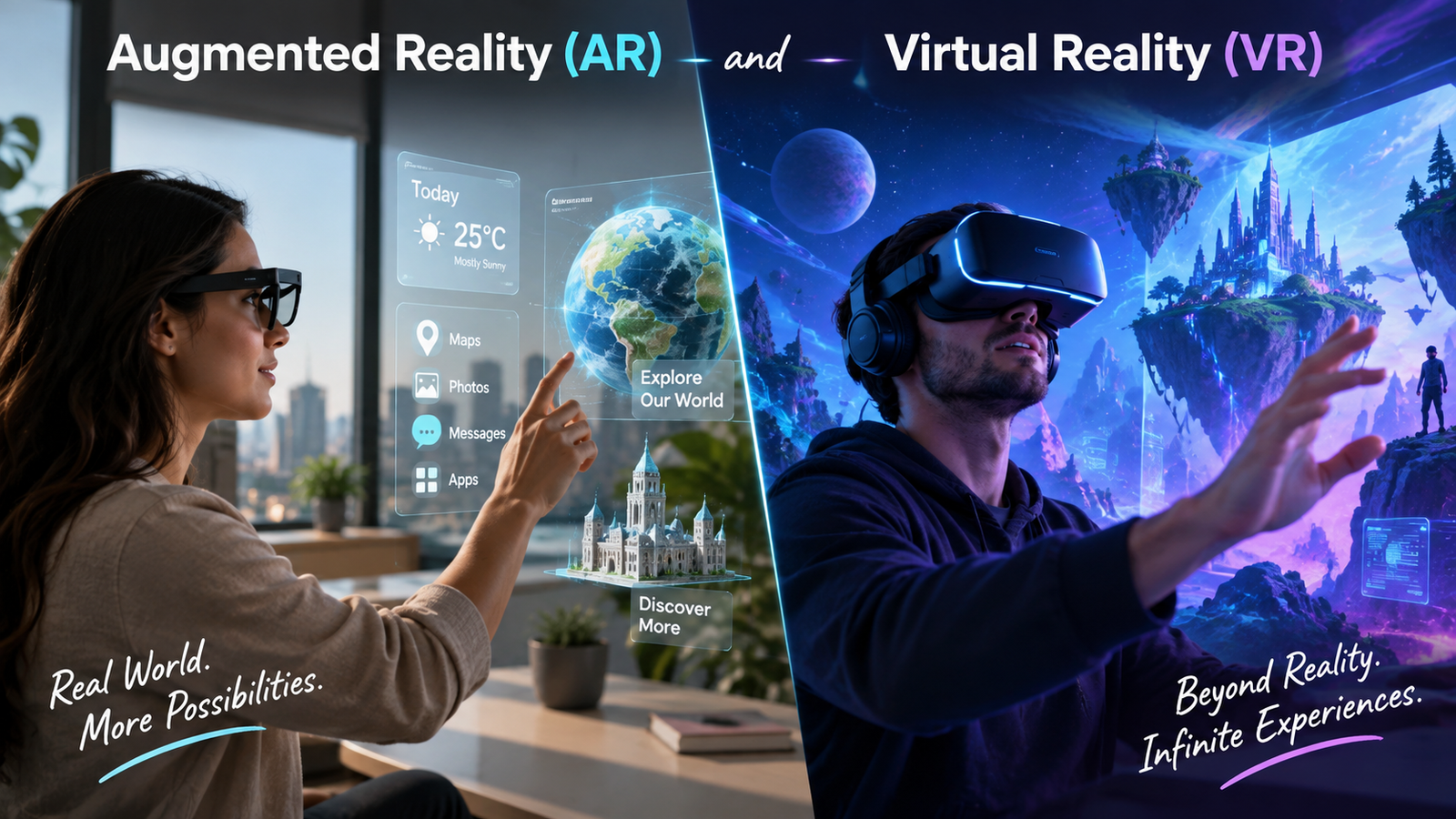
Augmented Reality (AR) vs Virtual Reality (VR): Key Differences, Uses, and the Future
Augmented Reality (AR) vs Virtual Reality (VR): Differences, Uses, and Future Trends
Learn how augmented reality and virtual reality work, compare their main differences, explore real-world applications, and

Introduction
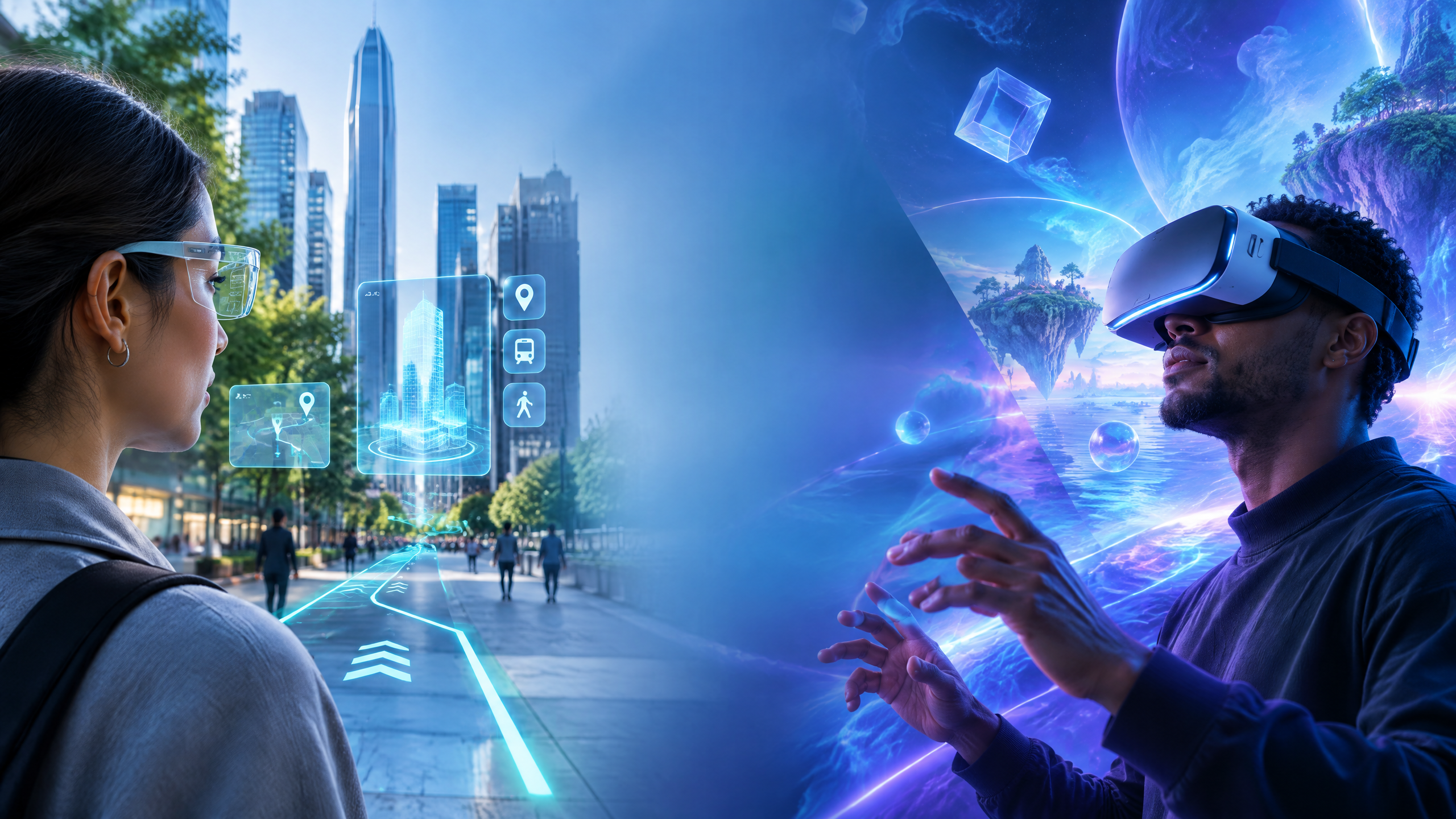
Augmented reality (AR) and virtual reality (VR) are changing how people learn, work, shop, play, and interact with digital content. Although the two technologies are often mentioned together, they create very different experiences.
AR adds digital content to the real world. VR replaces the real world with a computer-generated environment. That simple distinction explains why AR is often useful for navigation, product previews, and on-the-job guidance, while VR is especially effective for simulation, immersive entertainment, and skills training.
This guide explains the difference between AR and VR, how each technology works, where it is being used, and what users should consider before adopting an immersive solution.
Table of Contents
- What Is Augmented Reality?
- How AR Works
- Common Applications of AR
- What Is Virtual Reality?
- How VR Works
- Common Applications of VR
- AR vs VR: Main Differences
- AR, VR, and Mixed Reality
- Benefits and Limitations
- What Is the Future of AR and VR?
- Frequently Asked Questions
- Conclusion
What Is Augmented Reality?
Augmented reality is a technology that places digital information over a user’s view of the physical world. The user can still see the room, street, product, or workspace around them, but computer-generated elements appear within that environment.
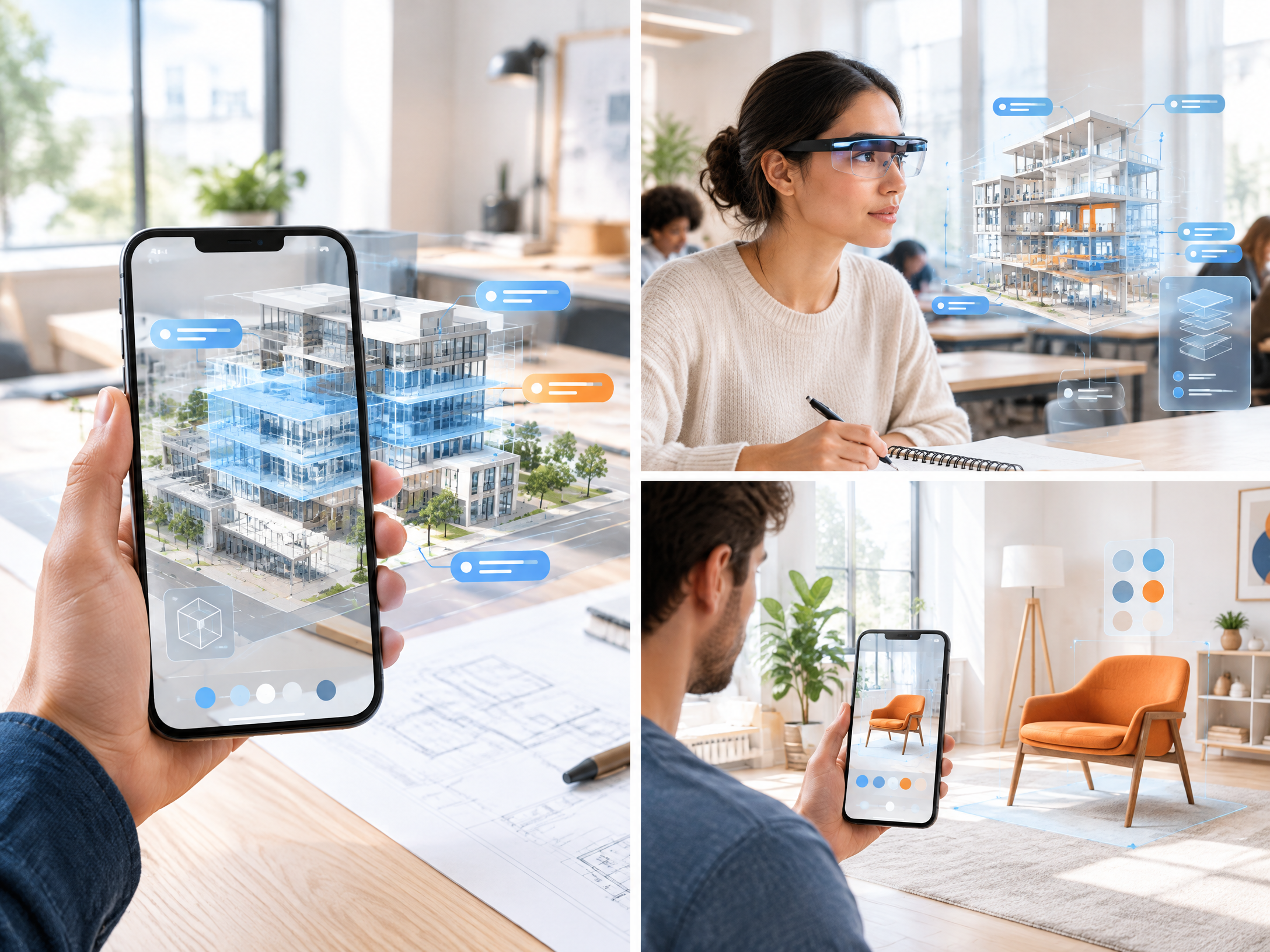
An AR experience may use a smartphone, tablet, smart glasses, or a heads-up display. Depending on the application, the digital layer may include a 3D model, directional arrow, product preview, animation, image, or short instruction.
For example, an AR navigation app can display arrows on a phone screen to help someone find a destination. A furniture app may allow a customer to preview how a sofa could look in a living room before placing an order.
How AR Works
AR devices use cameras, motion sensors, location data, and software to understand the user’s surroundings. The system estimates the position of the device and identifies surfaces or objects where digital content can be placed.
The basic process usually includes four steps:
- Sensing the environment: Cameras and sensors collect information about the user’s surroundings.
- Understanding the scene: Software analyzes surfaces, movement, location, and visible objects.
- Rendering digital content: The application creates text, images, 3D objects, or other information.
- Aligning the overlay: The digital content is positioned so it appears connected to the physical environment.
Some AR experiences are marker-based, meaning they begin when a camera recognizes a QR code, image, or other visual trigger. Others are markerless and use technologies such as GPS, motion tracking, and computer vision to place content without a specific marker.1
Common Applications of AR
Education
AR can make lessons more interactive by placing 3D models and simulations in front of students. Instead of viewing a flat diagram, learners may explore a virtual model of a machine, human organ, historical site, or scientific structure.
AR does not replace good teaching, but it can give learners another way to understand difficult subjects and visualize information that is hard to explain with text alone.
Retail and E-commerce
Retailers use AR to help customers preview products before buying them. Shoppers may try virtual eyewear, view makeup effects, place furniture in a room, or inspect a product from different angles.
These experiences can reduce uncertainty because customers receive more context before making a purchase. However, an AR preview should be treated as a helpful estimate rather than a guarantee that the physical product will look exactly the same in every environment.
Healthcare and Medical Training
AR can support medical education, patient communication, surgical planning, and guided workflows. It may help professionals view anatomy models or relevant information while keeping their attention on the physical environment.
Because healthcare applications can affect safety, they require professional oversight, testing, data protection, and approval under applicable regulations. Consumer AR apps should never be treated as a substitute for qualified medical advice.
Manufacturing and Maintenance
In industrial settings, AR can display step-by-step instructions, equipment information, or inspection guidance. A technician may use a tablet or smart glasses to identify a component and view relevant documentation without repeatedly leaving the work area.
This approach can make complex procedures easier to follow, but the underlying instructions must be accurate and kept up to date.
Navigation and Tourism
AR navigation can place arrows, street names, points of interest, and location details over a live camera view. Museums and tourist attractions can also use AR to provide additional information about exhibits and landmarks.
What Is Virtual Reality?
Virtual reality creates a computer-generated environment that surrounds the user. Instead of adding information to the physical world, VR usually blocks or significantly reduces the user’s view of it.
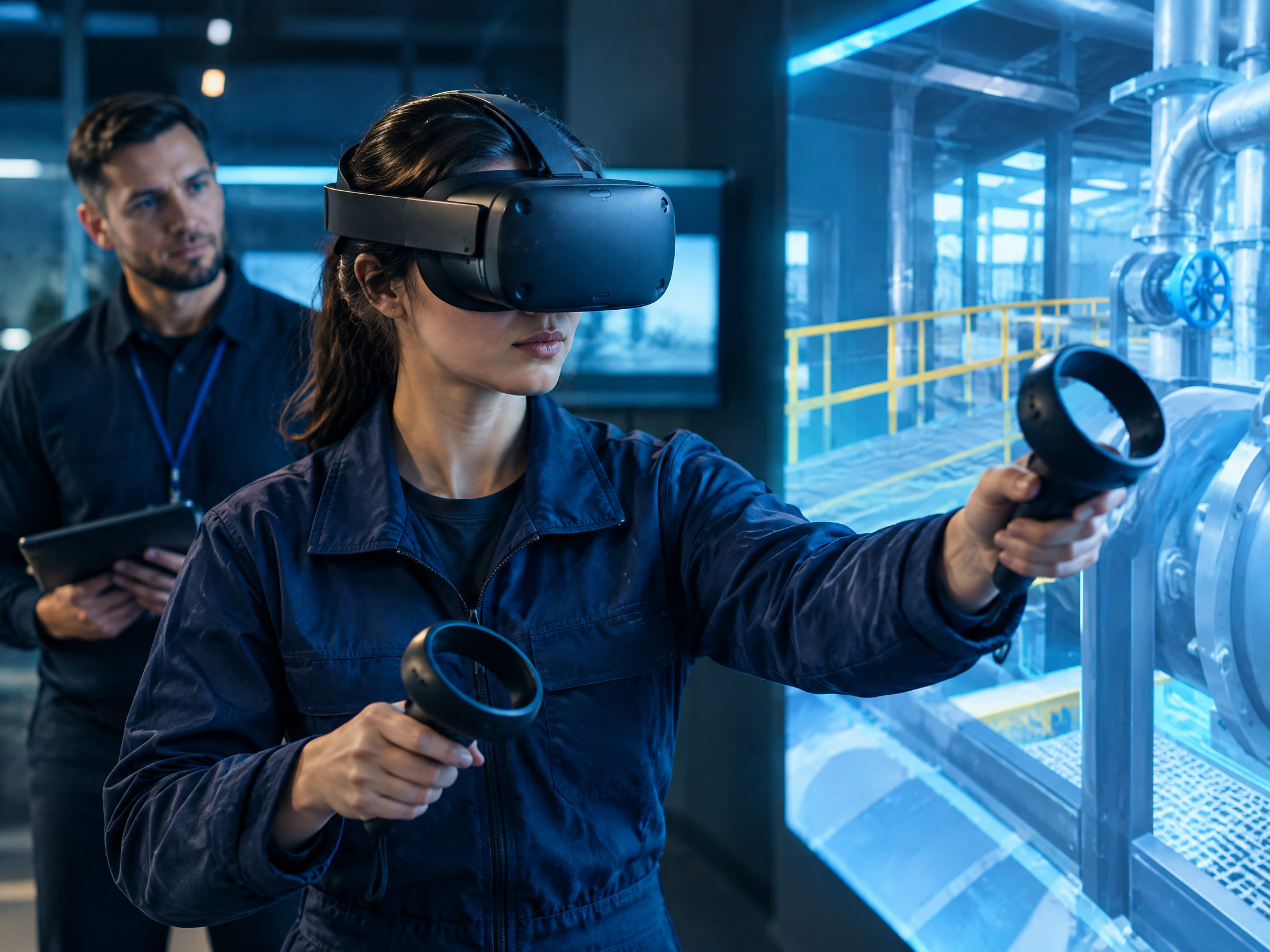
A VR system commonly includes a headset, motion sensors, and handheld controllers. More advanced systems may track the user’s hands, body position, or movement across a defined space.
The goal is to create a sense of presence: the feeling that the user is inside the digital environment rather than simply watching a screen. The quality of this experience depends on factors such as display resolution, tracking accuracy, sound, comfort, and the responsiveness of the software.
How VR Works
A VR headset displays separate images for the left and right eyes. The brain combines these images to create a three-dimensional view. Motion sensors track head movement, allowing the virtual scene to respond when the user looks around.
Controllers or hand-tracking systems allow users to select objects, press virtual buttons, move through a scene, or interact with simulated tools. Some systems also provide haptic feedback, which can create the sensation of touch or vibration.
Because VR limits the user’s awareness of the physical environment, users should follow safety instructions, keep the play area clear, take regular breaks, and stop using the headset if they feel discomfort, dizziness, or eye strain.
Common Applications of VR
Gaming and Entertainment
VR gaming places the player inside an interactive environment. Instead of controlling a character from outside the scene, the player may look around, reach for objects, and respond to events from a first-person perspective.
VR is also used for virtual events, immersive films, creative experiences, and digital tours. The experience can be engaging, although extended use may not be comfortable for everyone.
Training and Simulation
VR allows organizations to simulate situations that may be costly, dangerous, rare, or difficult to reproduce in real life. Examples include equipment training, emergency response, aviation practice, workplace orientation, and customer-service simulations.
A simulation is most useful when it reflects real procedures and is combined with feedback from a qualified instructor. VR can support training, but it does not automatically replace hands-on experience or professional certification.
Education and Virtual Tours
Students can visit historical locations, explore scientific environments, or practice procedures in a controlled digital setting. Virtual tours may improve access for learners who cannot travel to a physical location.
The strongest educational results usually come from combining VR with clear learning objectives, teacher guidance, and discussion after the experience.
Therapy and Rehabilitation
Some healthcare professionals use VR as part of exposure therapy, pain-management programs, and physical rehabilitation. These uses depend on the patient, the clinical setting, and the judgment of a qualified provider.
VR should not be promoted as a universal treatment. Users should consult an appropriate healthcare professional for personal medical concerns.
Real Estate and Architecture
VR tours allow people to explore a property or proposed building before construction is complete. Architects and clients can review scale, layout, and room flow in a more immersive way than a standard drawing or photograph.
AR vs VR: Main Differences
| Feature | Augmented Reality (AR) | Virtual Reality (VR) |
|---|---|---|
| View of the real world | The physical world remains visible | The physical world is largely replaced |
| Typical devices | Smartphones, tablets, smart glasses, heads-up displays | VR headsets, controllers, tracking systems |
| Main experience | Digital information is added to reality | The user enters a digital environment |
| Best suited for | Navigation, product previews, field guidance, interactive information | Simulation, immersive gaming, virtual tours, skills training |
| Movement and safety | Users can usually remain aware of their surroundings | Users may need a clear, dedicated play or training area |
| Hardware barrier | Often accessible through devices people already own | Usually requires dedicated hardware |
| Interaction | Touch, camera view, gestures, voice, or spatial tracking | Controllers, hand tracking, gaze, movement, and haptics |
In practical terms, AR is usually the better fit when digital information must support a real-world task. VR is often more appropriate when the objective is to create a controlled environment for exploration, practice, or immersion.
AR, VR, and Mixed Reality
Mixed reality (MR) sits between AR and VR. It combines digital content with the physical environment and may allow virtual objects to respond to real-world surfaces, objects, and user actions.
The terms extended reality (XR) and immersive technology are often used as broad categories that include AR, VR, MR, and related experiences. The boundaries are not always used in exactly the same way by every company, so it is helpful to focus on what the device and application actually do.1
Benefits and Limitations
AR and VR can improve visualization, engagement, and access to practical experiences. They may help organizations explain complex ideas, train employees, support remote collaboration, and give customers more information before a purchase.
At the same time, these technologies have limitations. Hardware can be expensive, applications may require strong technical support, and some users experience motion sickness, eye strain, or discomfort. Privacy is another important consideration because AR and VR systems may collect camera, location, movement, voice, or interaction data.
A responsible implementation should explain what data is collected, why it is needed, how long it is stored, and who can access it. Organizations should also test accessibility, provide alternatives for users who cannot wear a headset, and avoid presenting immersive technology as a solution to every problem.
What Is the Future of AR and VR?
The future of AR and VR will likely involve lighter hardware, better tracking, improved displays, more natural input methods, and stronger connections with artificial intelligence and cloud services.
AI may help systems understand scenes, respond to voice instructions, personalize learning, and generate virtual content more quickly. In workplaces, extended reality may support training, remote assistance, design reviews, and digital workflows. In consumer markets, AR may become more common in shopping, navigation, entertainment, and communication.
Adoption will depend on more than technical capability. Comfort, price, privacy, accessibility, content quality, and clear value will determine whether people use these technologies regularly. Businesses should begin with a specific user need instead of adopting AR or VR simply because the technology is popular.
Frequently Asked Questions
Is AR better than VR?
Neither technology is universally better. AR is generally more useful when people need to stay connected to the physical world, while VR is more useful when they need a fully controlled digital environment.
Can AR work without special glasses?
Yes. Many AR experiences work through smartphones and tablets. AR glasses can provide a more hands-free experience, but they are not required for every application.
Does VR require the internet?
Some VR applications work offline after the required content has been downloaded. Other experiences, especially multiplayer platforms and cloud-based services, require an internet connection.
Is AR and VR safe for children?
Safety depends on the device, duration of use, content, and the child’s age. Parents and guardians should follow the manufacturer’s age guidance, supervise use, provide breaks, and stop use if discomfort occurs.
What is XR?
Extended reality, or XR, is a broad term for technologies that combine physical and digital experiences. It commonly includes augmented reality, virtual reality, and mixed reality.
Conclusion
Augmented reality and virtual reality are related technologies with different purposes. AR enhances the world people already see, while VR creates a new digital world around them.
AR is well suited to navigation, education, retail, design, healthcare support, and industrial guidance. VR is particularly valuable for gaming, simulation, training, virtual tours, and carefully supervised therapeutic applications.
As hardware and software improve, AR and VR may become more natural parts of everyday life. Their long-term value, however, will depend on practical benefits, responsible design, privacy protection, accessibility, and a clear understanding of what each technology can—and cannot—do.
Disclaimer
This article is provided for general educational and informational purposes only. It is not medical, legal, financial, safety, or professional advice. AR and VR products may collect personal, camera, location, voice, or movement data, so readers should review the relevant privacy policies and product instructions before use. Healthcare, workplace-safety, training, and other high-risk applications should be used only under the supervision of qualified professionals and according to applicable laws and guidelines. Product capabilities and terminology may change over time.